Create a CV – 5 free CV templates
Choose one of 5 free CV templates, fill in your details and download your CV as a PDF.
Preview additional premium designs for free; 5 CV templates stay completely free.
5 simple CV templates are completely free to use and download as PDF. · Premium applies only to extra designs, AI, ATS and upload.
How do I create a CV?
With CVwerk you create a CV in four steps: choose a free CV template, enter your details, customise the design and download it as a PDF. 5 CV templates are completely free, including PDF download. More premium templates, AI, ATS check and upload are optional.
- 1Choose one of 5 free CV templates
- 2Enter your personal details, work experience, education and skills
- 3Adjust the design, colours and fonts in the live preview
- 4Download a free template as PDF or unlock a premium design
5 free CV templates + premium designs
Start with a free template or preview all premium layouts live in the editor. You decide only when downloading.
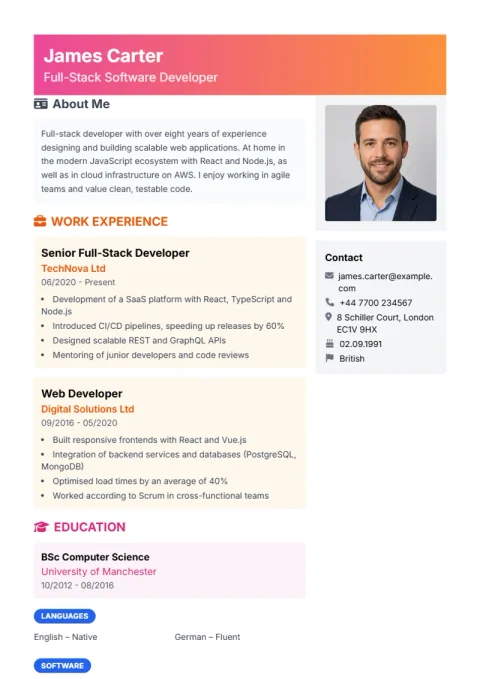 FreeOpen Bold in editor
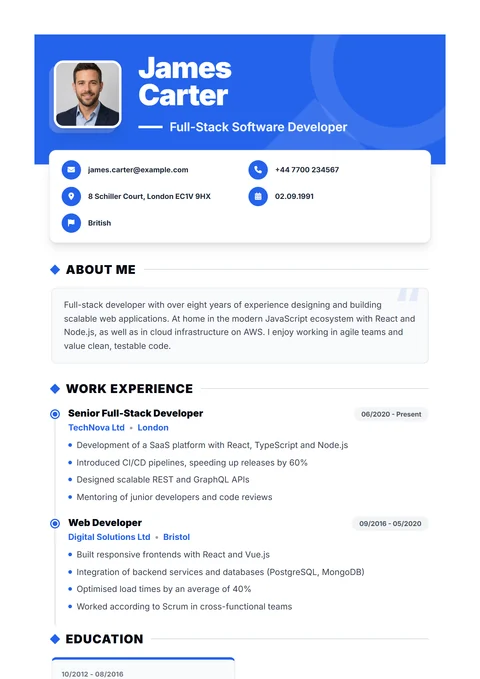 FreeOpen Journey in editor
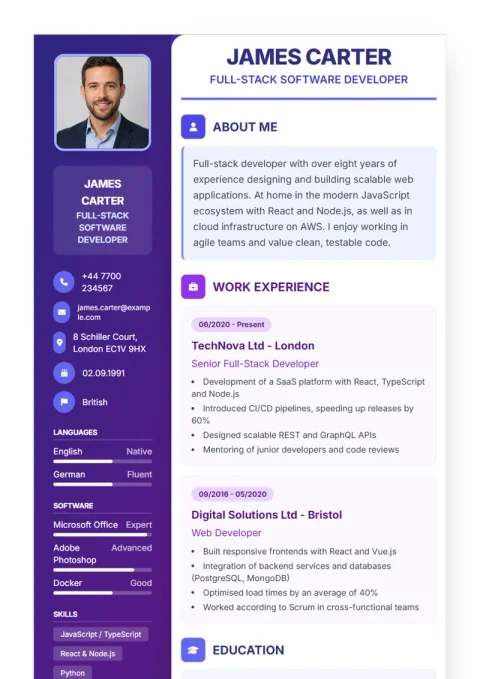 FreeOpen Formal in editor
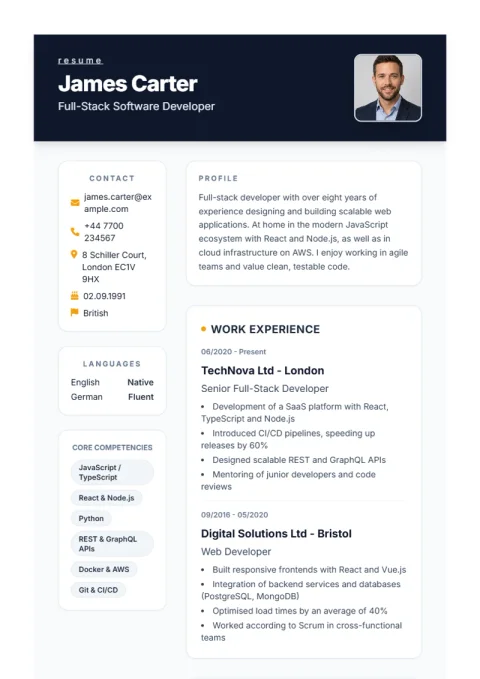 FreeOpen Minimal in editor
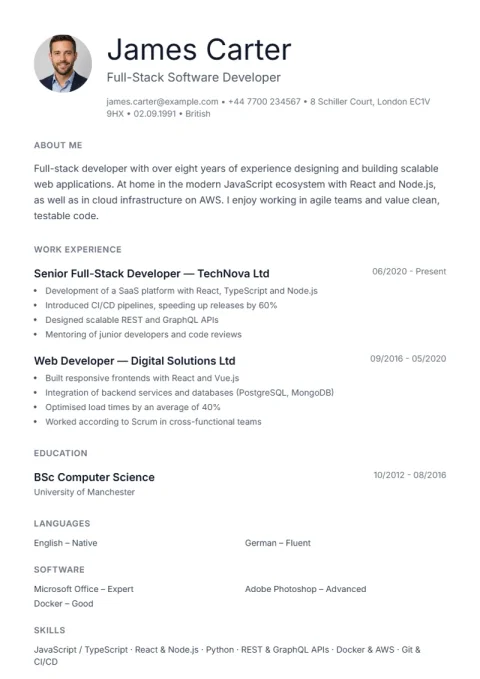 PremiumOpen Compact in editor
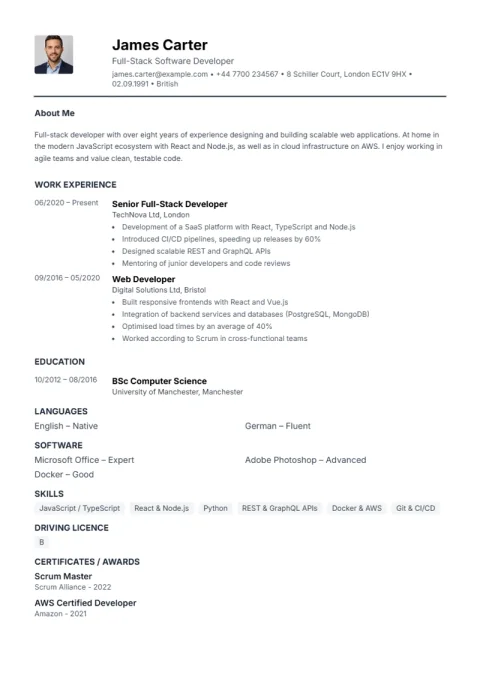 PremiumOpen Simple in editor
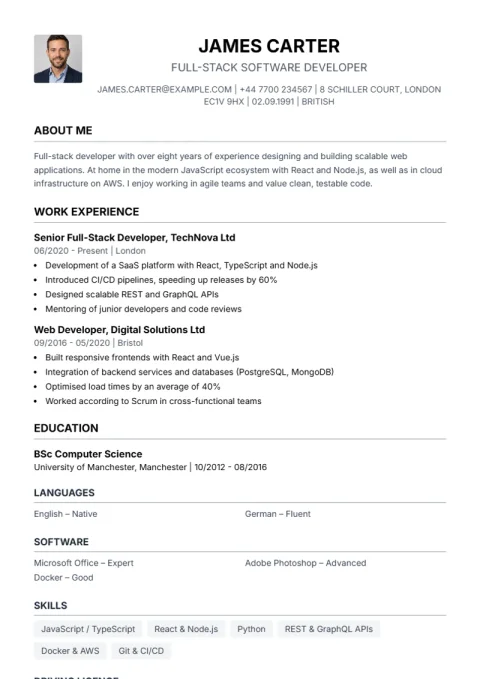 PremiumOpen Traditional in editor
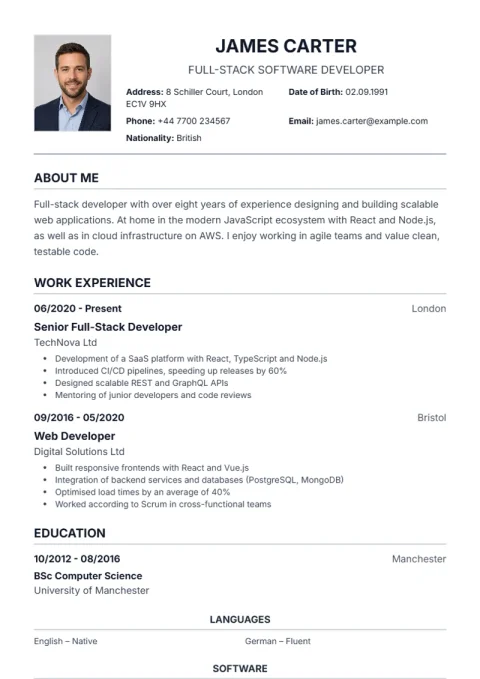 PremiumOpen De Minimal in editor
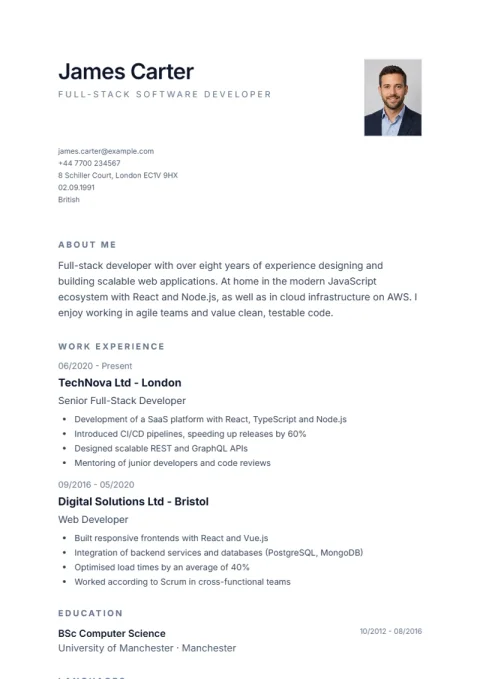 PremiumOpen De Classic in editor
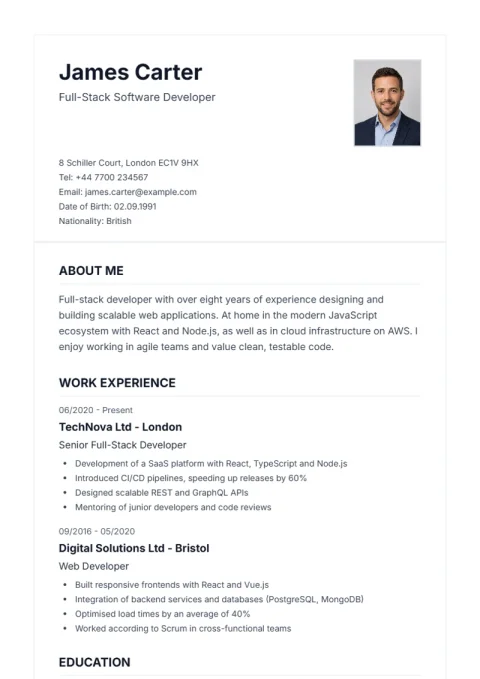 PremiumOpen De Professional in editor
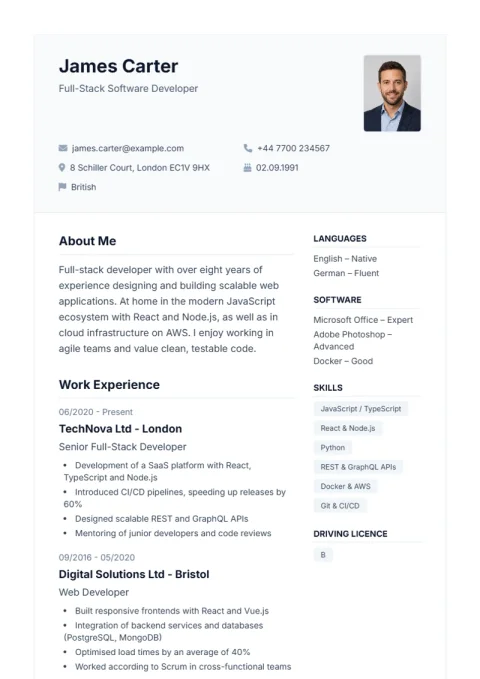 PremiumOpen Lebenslauf Pro in editor
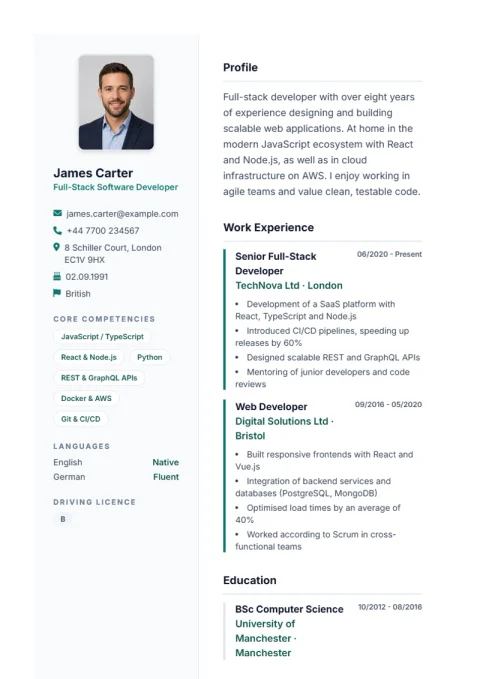 PremiumOpen Lebenslauf in editor
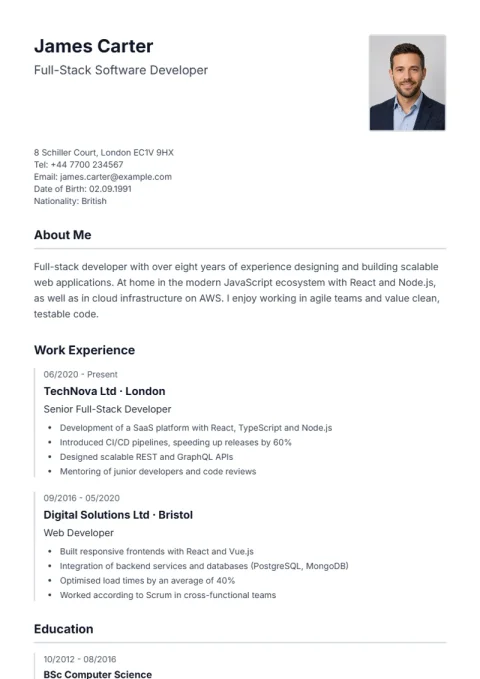 PremiumOpen Nova in editor
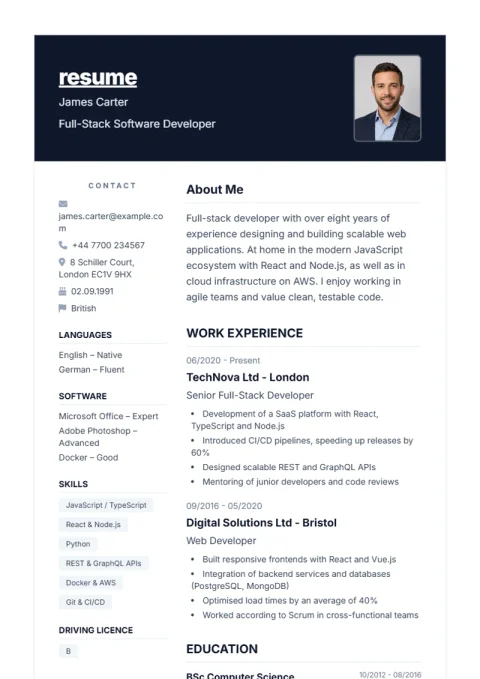 PremiumOpen Classic in editor
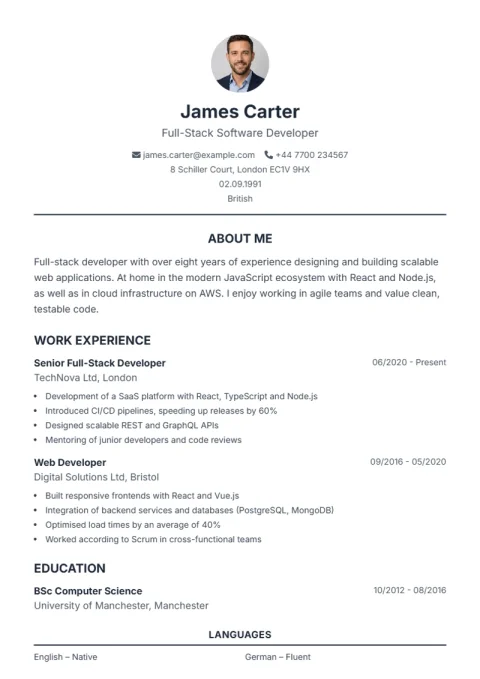 PremiumOpen Trust in editor
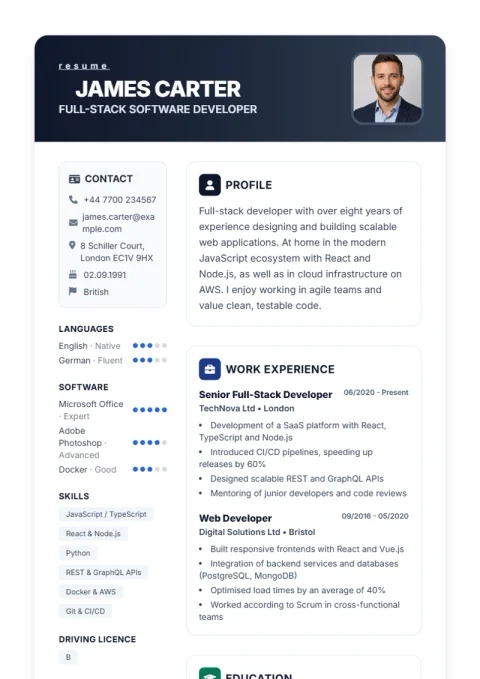 PremiumOpen Profplus in editor
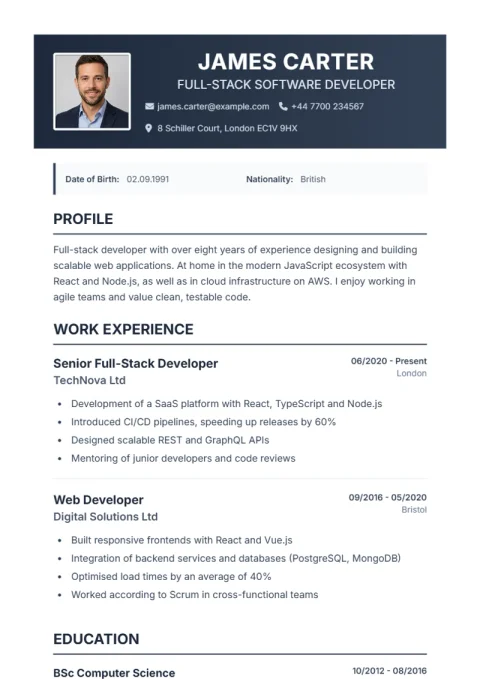 PremiumOpen Weber in editor
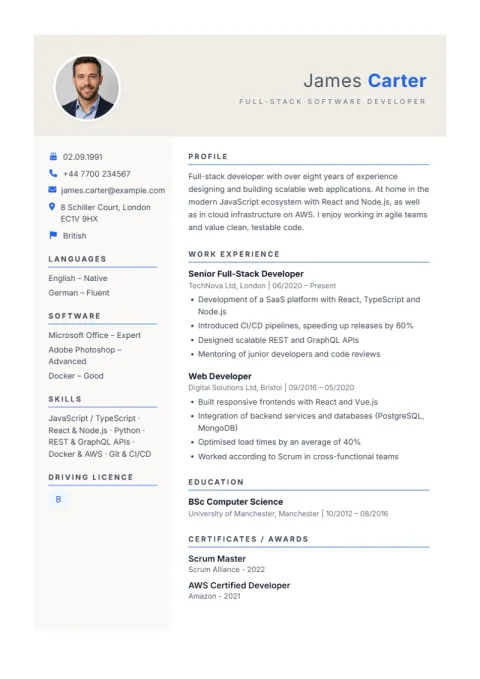 PremiumOpen Prestige in editor
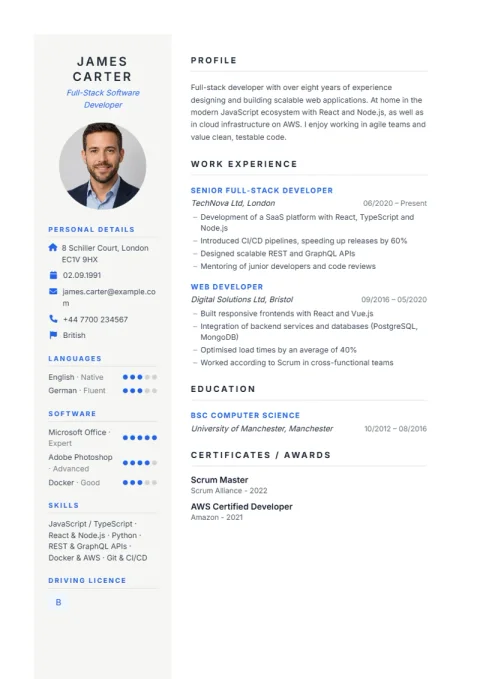 PremiumOpen Timeline in editor
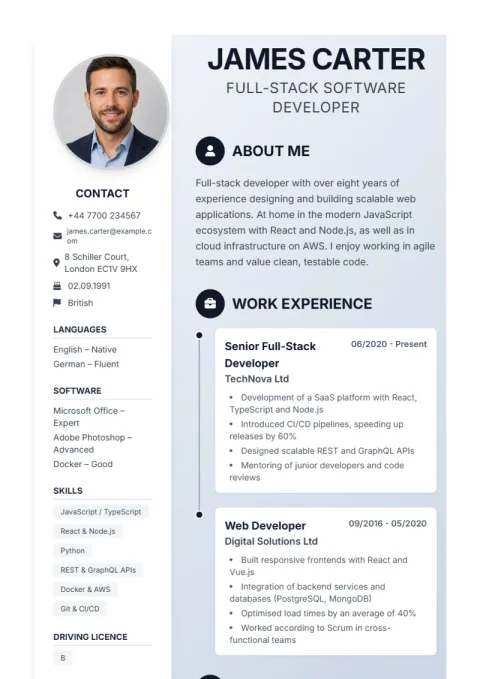 PremiumOpen Aqua in editor
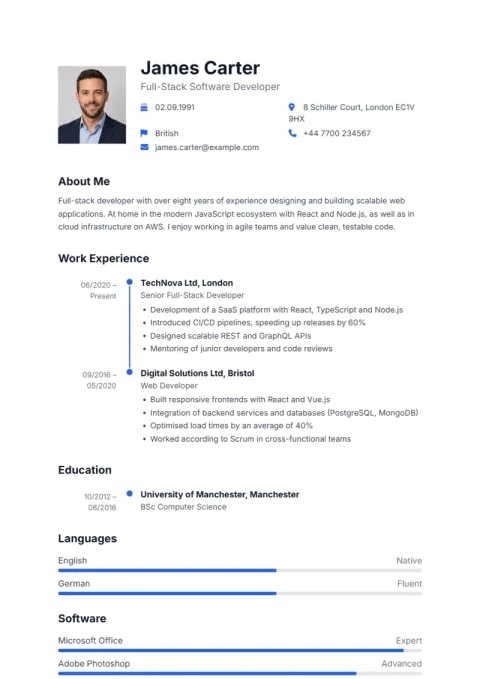 PremiumOpen Sidebar Pro in editor
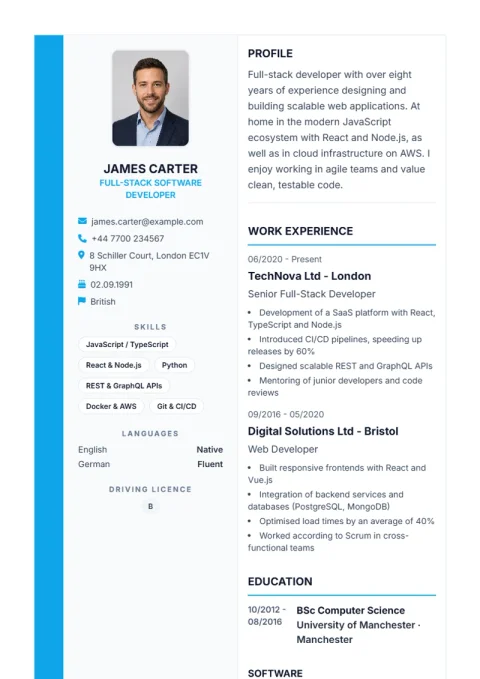 PremiumOpen Professional in editor
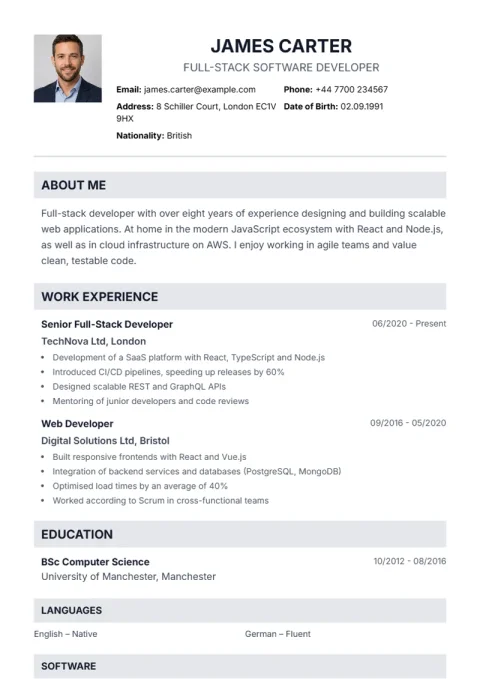 PremiumOpen Corporate in editor
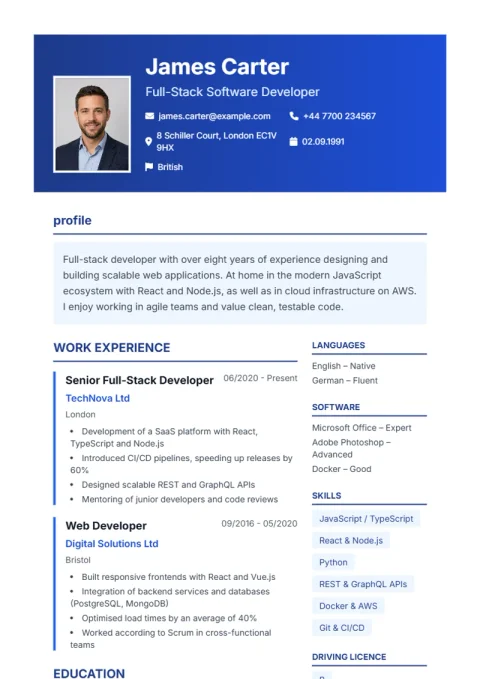 PremiumOpen Elegant in editor
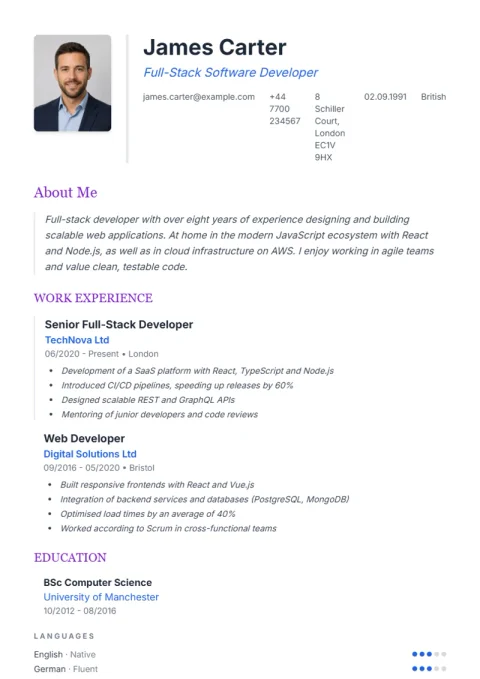 PremiumOpen Modern in editor
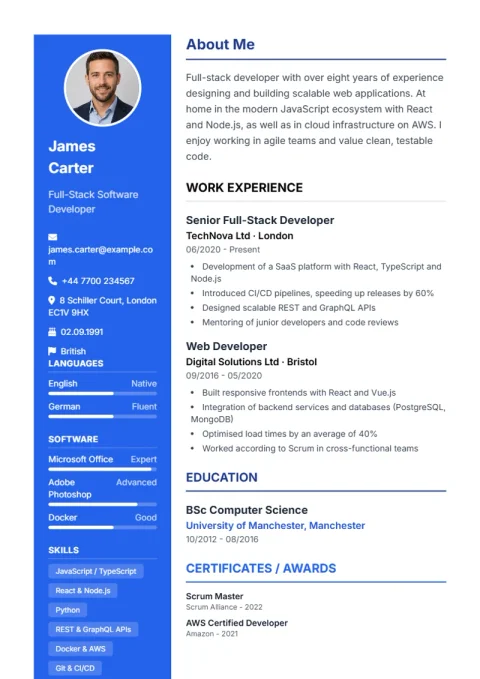 PremiumOpen Nordic Clean in editor
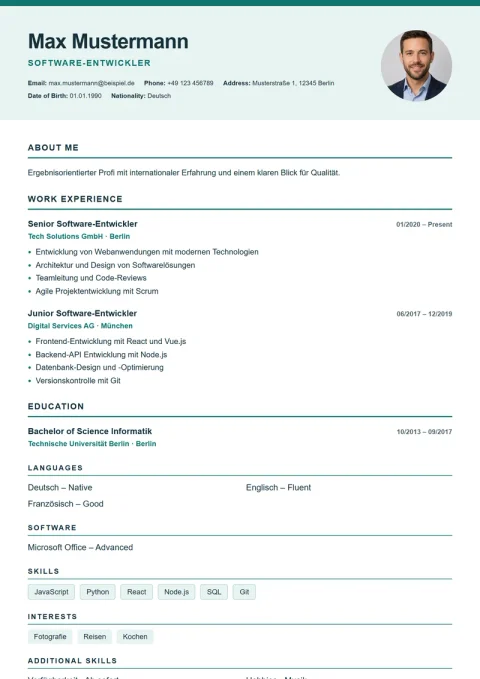 PremiumOpen American Modern in editor
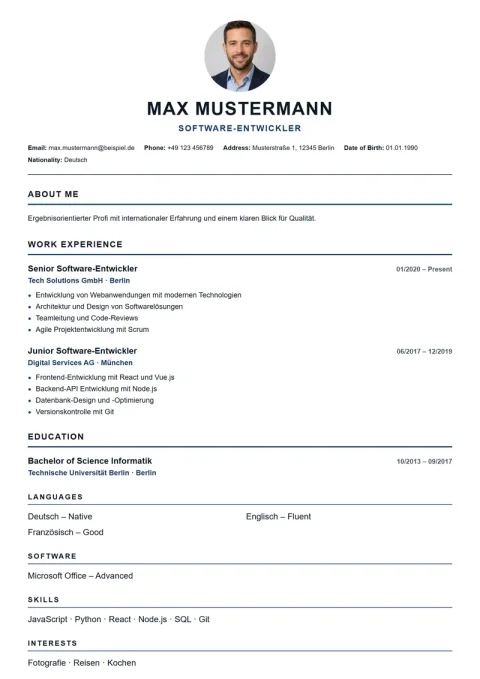 PremiumOpen London Professional in editor
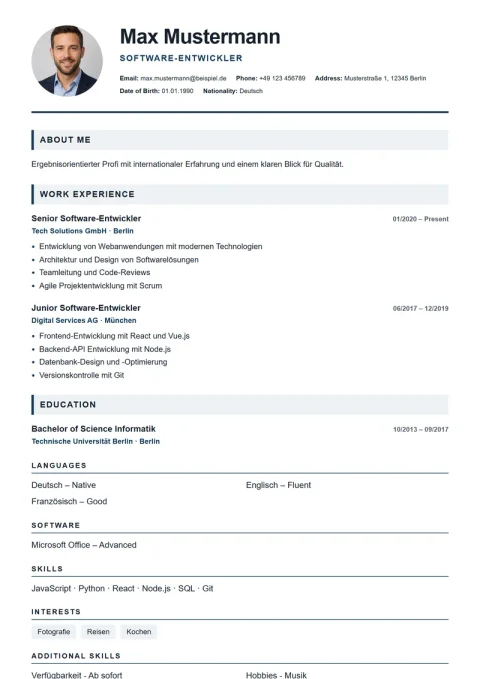 PremiumOpen Paris Elegant in editor
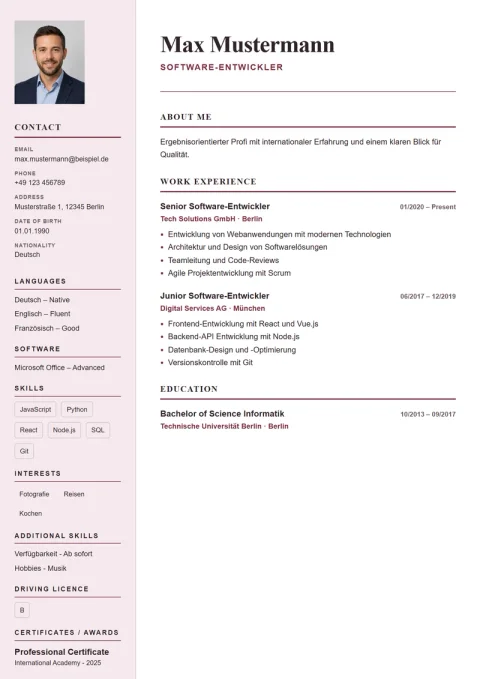 PremiumOpen Editorial Serif in editor
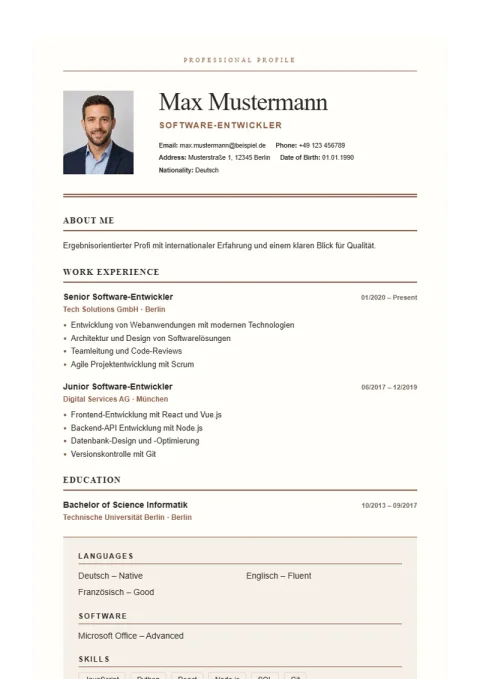 PremiumOpen Swiss Grid in editor
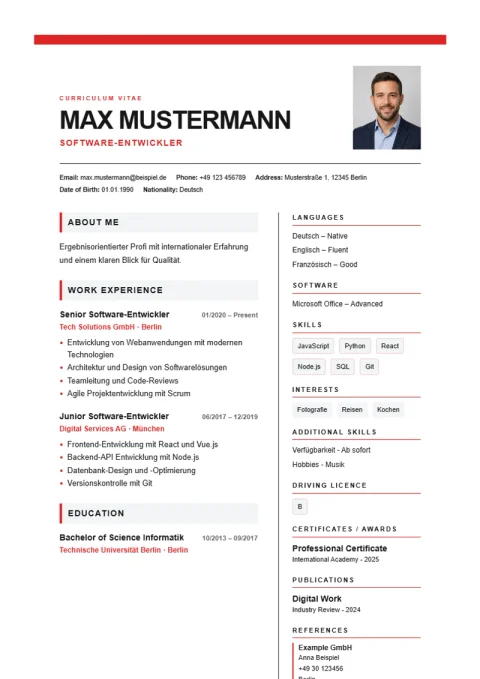 PremiumOpen De Modern in editor
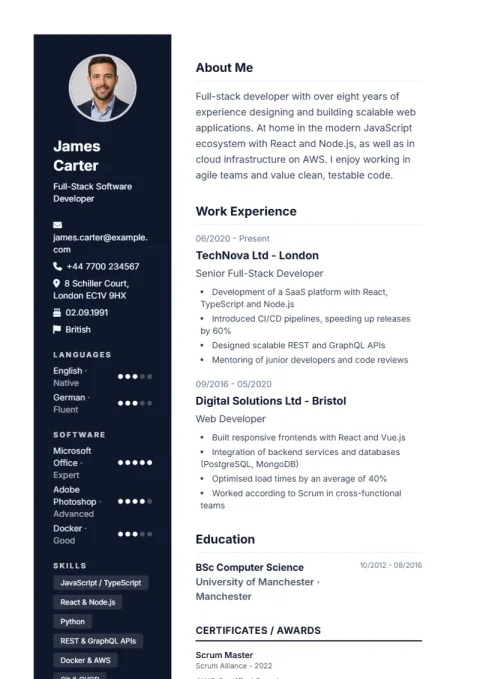 PremiumOpen Burya in editor
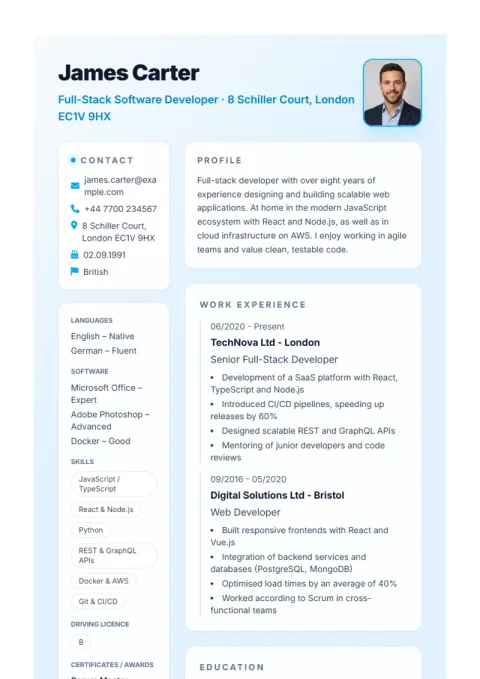 PremiumOpen Diagonal in editor
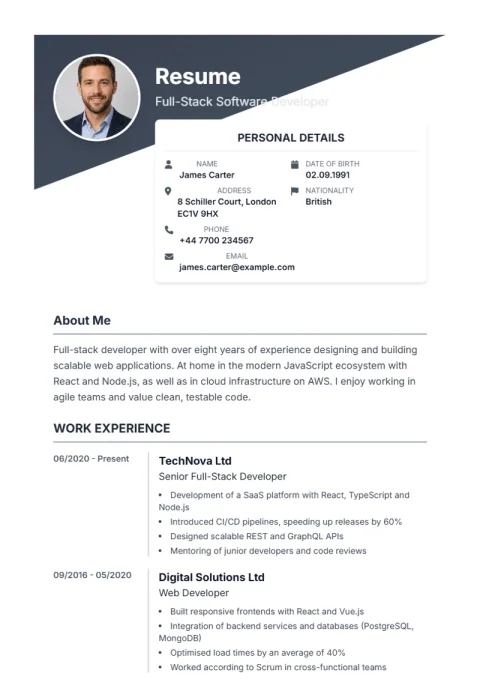 PremiumOpen European Timeline in editor
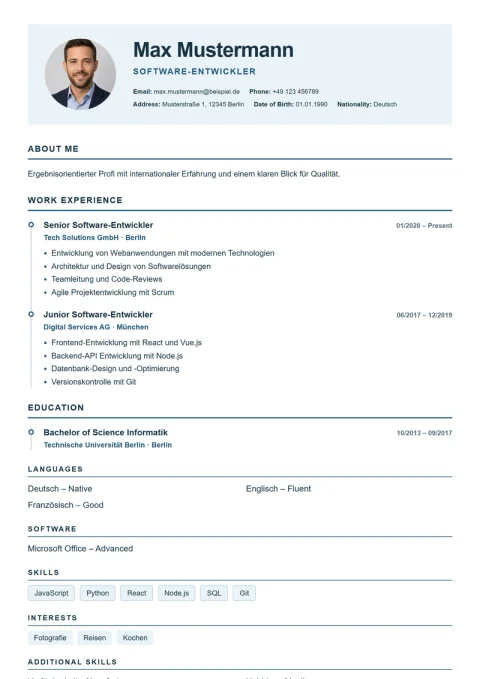 PremiumOpen Executive in editor
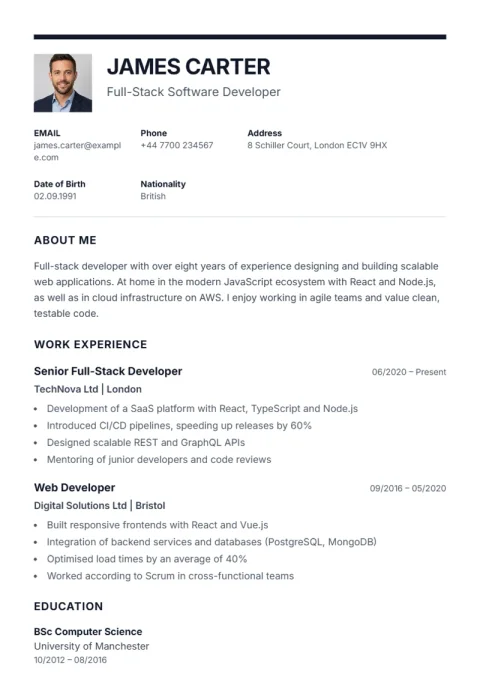 PremiumOpen Monochrome Frame in editor
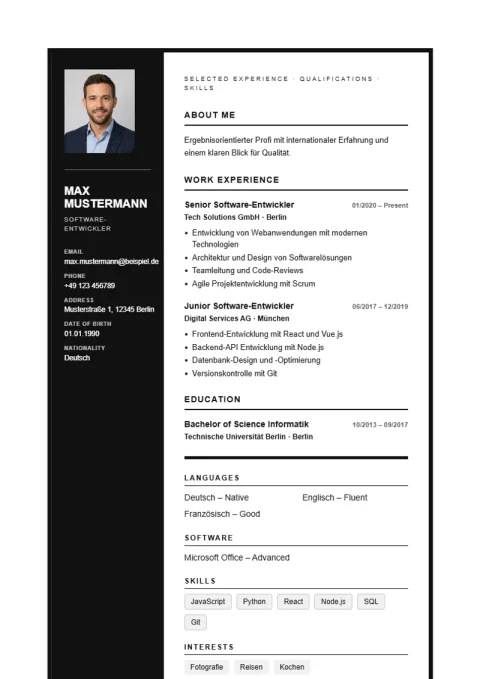 PremiumOpen Slanted in editor
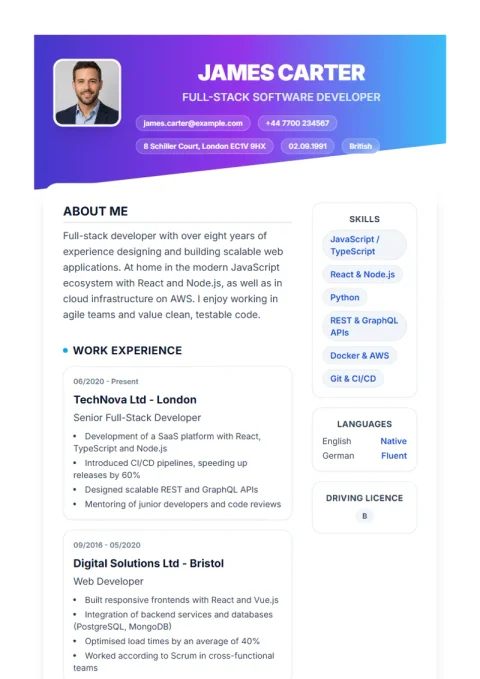 PremiumOpen Artistic in editor
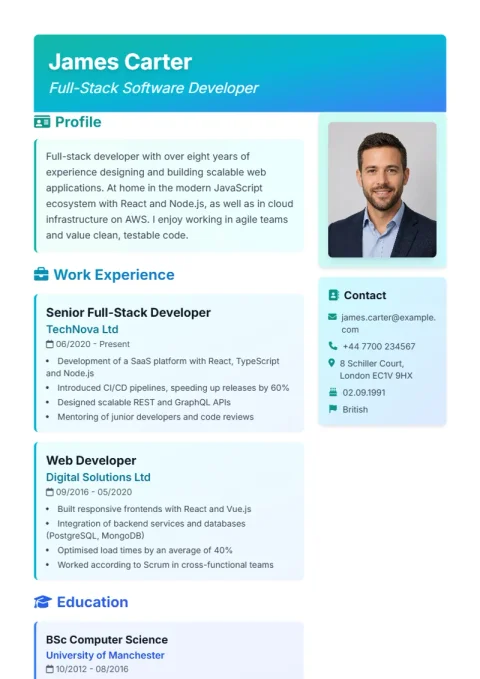 PremiumOpen Sidebar in editor
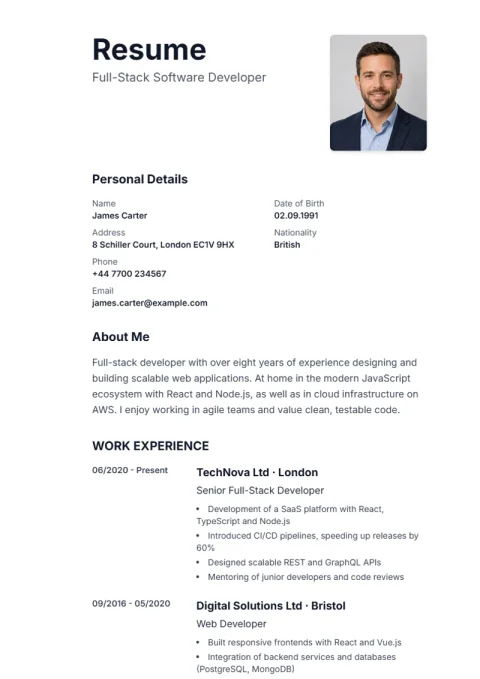 PremiumOpen Ocean Split in editor
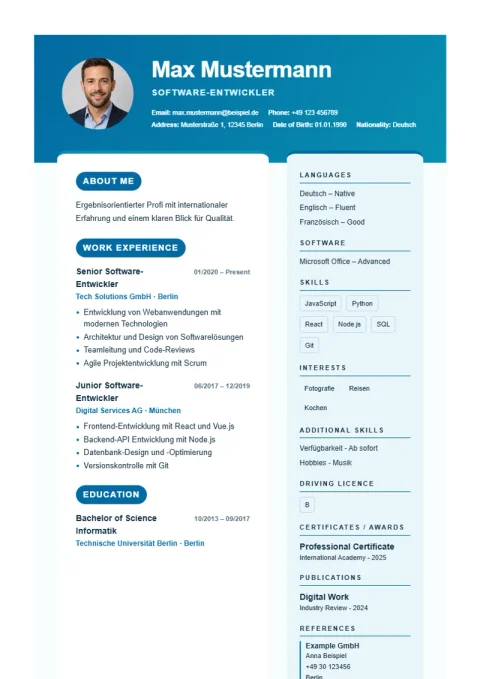 PremiumOpen Executive Dark in editor
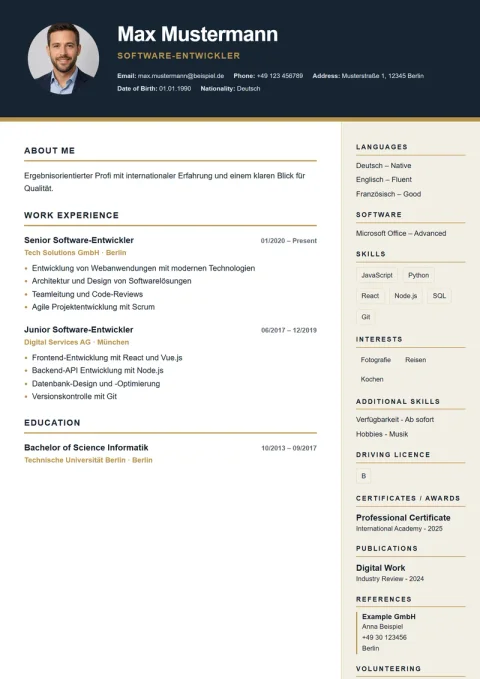 PremiumOpen Creative Blocks in editor
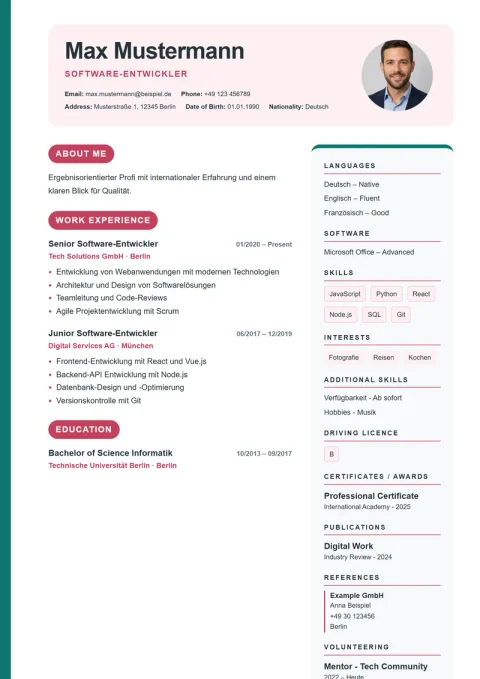 FreeOpen Creative in editorFreeOpen Bold in editorFreeOpen Journey in editorFreeOpen Formal in editorFreeOpen Minimal in editorPremiumOpen Compact in editorPremiumOpen Simple in editorPremiumOpen Traditional in editorPremiumOpen De Minimal in editorPremiumOpen De Classic in editorPremiumOpen De Professional in editorPremiumOpen Lebenslauf Pro in editorPremiumOpen Lebenslauf in editorPremiumOpen Nova in editorPremiumOpen Classic in editorPremiumOpen Trust in editorPremiumOpen Profplus in editorPremiumOpen Weber in editorPremiumOpen Prestige in editorPremiumOpen Timeline in editorPremiumOpen Aqua in editorPremiumOpen Sidebar Pro in editorPremiumOpen Professional in editorPremiumOpen Corporate in editorPremiumOpen Elegant in editorPremiumOpen Modern in editorPremiumOpen Nordic Clean in editorPremiumOpen American Modern in editorPremiumOpen London Professional in editorPremiumOpen Paris Elegant in editorPremiumOpen Editorial Serif in editorPremiumOpen Swiss Grid in editorPremiumOpen De Modern in editorPremiumOpen Burya in editorPremiumOpen Diagonal in editorPremiumOpen European Timeline in editorPremiumOpen Executive in editorPremiumOpen Monochrome Frame in editorPremiumOpen Slanted in editorPremiumOpen Artistic in editorPremiumOpen Sidebar in editorPremiumOpen Ocean Split in editorPremiumOpen Executive Dark in editorPremiumOpen Creative Blocks in editor
 Transparent prices
Create and test your resume risk-free. Choose a free template for €0 or unlock all 44 designs and AI features with a fair one-time payment.
CVwerk Free
Perfect for students, trainees and quick standard applications.
- 5 professional templates freely selectable
- 5 free cover page templates
- PDF download without watermark
- Can be used immediately in the browser without registering
- Real-time preview of all designs
- 100% A4 & ATS-compatible
CVwerk Premium
For demanding applications with maximum career opportunities.
- Use all 44 premium templates unlimitedly
- Use all 20 cover page templates without limits
- Unlimited PDF download in full print resolution
- AI text enhancement (Google Gemini) for short profiles
- ATS Score Checker: Comparison with your job advertisement
- Upload an existing CV and fill it out using AI
- Create unlimited resumes & save them in the cloud
Many resume builders lure users with a 1 € trial and then quietly bill up to 35 € monthly. CVwerk guarantees: Strictly 100% subscription-free.
The market comparison: CVwerk vs. typical subscription services
Why do other providers pay hundreds of euros for just a few applications?
| Other providerstypical subscription model | CVwerk | |
|---|---|---|
| Pricing model | Monthly subscription | One-time payment |
| Price | approx. €15–30/monthoften a "trial" for €1–3, then a subscription | €7.99 once |
| Cost after 1 year | up to ~€200–390 | €7.99 |
| Cancellation needed? | Yes | No – no subscription |
| Hidden costs | subscription trap possible | None |
| PDF without watermark | Yes | Yes |
| All templates, AI & ATS | sometimes surcharge | Included |
| Cover Page Editor (20 Designs) | Often unavailable or extra fee | Included (5 free, 20 Premium) |
Comparison values are typical market reference points for common CV subscription services (as of 2026); providers and prices may vary.
PDF download with Premium · one-time payment, no subscription, nothing to cancel.
Easy to use
5 CV templates are truly free – create, edit and download as PDF directly in your browser.
Standards-compliant
Choose from 44 modern designs: 5 free templates and extra premium layouts for stronger applications.
Privacy-compliant
Your data belongs to you. Top security under GDPR. Encrypted storage.
Why CVwerk?
5 free templates
Classic, clean and ready to use – including free PDF download.
PDF download
Download your CV with a free template as a PDF at no cost; premium designs stay optional.
Live preview
See changes instantly in real time.
Safely stored
Access your CVs anytime.
AI-powered cover letters
Create convincing cover letters with AI support (Gemini 2.5).
10 design themes for cover letters
From classic to luxury – professional designs for every taste.
Create a CV: structure, content and tips
You can create a CV with CVwerk in just a few minutes – what matters is that the structure and content are convincing. A professional CV is one to two pages long, listed in reverse-chronological order and contains everything an employer expects for the application. The steps and tips below show what makes a strong CV.
Structure & personal details
Start with your personal details: name, address, phone number and a professional email address. Below that come work experience and education – always with the most recent entry first. This lets recruiters and employers grasp the key information step by step at a glance.
Work experience & skills
For work experience, concrete tasks and measurable achievements count more than job titles alone. Add relevant skills, language and IT knowledge as well as soft skills that fit the role. With the right keywords from the job ad you also convince the ATS systems many companies use.
Application photo & design
A professional application photo is common in Germany but not mandatory. Choose a clear, easy-to-read design that suits your industry and the job. With CVwerk you can download 5 free CV templates directly as PDF; additional premium designs can be tested in the live preview before purchase.
Gaps & common mistakes
Explain larger gaps in your CV openly – parental leave, training or a change of direction are legitimate reasons. Avoid spelling mistakes and too much detail. A tidy, honest CV makes the best impression on the employer in every application.
You will find more details and examples in our in-depth CV guide – or pick a CV template right away and get started.
CV samples by profession
Ready-made CV templates with sample data for many professions – one click opens the matching example right in the editor.
Everything for Your Successful Job Application
Choose the exact right starting point for your situation – no registration, instant PDF, or proven templates.
Create Free CV / Resume
5 templates 100% free forever, including watermark-free PDF download.
Resume Without Registration
Start immediately in browser. Full privacy with local device storage.
Download Resume as PDF
Print-ready vector PDF, ATS-friendly and 100% format-preserved.
5 Free Resume Templates
From classic corporate standards to modern creative designs at a glance.
Chronological Resume
Structure, layout and best practices for reverse-chronological career history.
Fair & Transparent Pricing
0 € basic or fair one-time payment – guaranteed never a subscription.
Resignation Letter & Legal Guide
Statutory notice periods, severance rights, garden leave rules, and compliant letter templates. • Includes customized drafting powered by Gemini 3.1 AI.
Cover Page Templates & application folder
The perfect showcase for your application documents. Choose from 20 professional cover page templates, customize colors & photo, and bundle your entire application – including references and certificates – into a seamless dossier. 5 templates 100% free!
Frequently asked questions about creating a CV
The most important questions about your CV and your application – answered clearly and concisely.
A CV should include your personal details, work experience, education and your skills and abilities. Every employer expects this information in an application. Optionally you can add hobbies and interests if they fit the role and say something about you. It is important that all your experience appears in the CV completely and honestly.
A good CV is one to two pages long. Entry-level candidates usually manage with one page, while experienced applicants may use two. Focus on the experience relevant to the job – too many details distract from what matters. That keeps your CV clear so the employer grasps the key information quickly.
In the UK and many international markets a photo is generally not expected on a CV and can even introduce bias, so it is usually best to leave it out. Where a photo is customary, use a professional shot with a neutral background and a tidy appearance, placed clearly at the top.
Only list hobbies if they fit the role or show sought-after skills – such as team sports for teamwork or programming for IT jobs. Two or three meaningful interests are enough. Generic entries like "reading" add little; concrete examples make your application livelier and more successful.
Every CV template can be customized directly in the editor: enter your details, switch designs and view the live preview. 5 selected templates are free including PDF download; Premium designs can be tested in the preview before unlocking.
The best tips for a successful CV: tailor it to each position, use keywords from the job ad and show measurable achievements rather than plain tasks. Avoid spelling mistakes and unexplained gaps. A clearly structured, honest CV convinces the employer and sets you apart from other applicants.
No. You need neither a Word template nor Canva. With a Word template the layout easily shifts, and design tools like Canva often are not built for professional standards. With CVwerk's online editor you simply fill in a ready-made, ATS-friendly CV template – the layout always stays clean. In the end you download your CV as a finished PDF you can send anywhere.
For students and apprenticeships, a clear structure matters most: personal details, educational background, work placements and your strengths and interests. Choose a simple, clear CV template and keep it to one page. With CVwerk you create a suitable CV for an apprenticeship application in just a few minutes – with no prior knowledge needed.